Your store,
on your link.
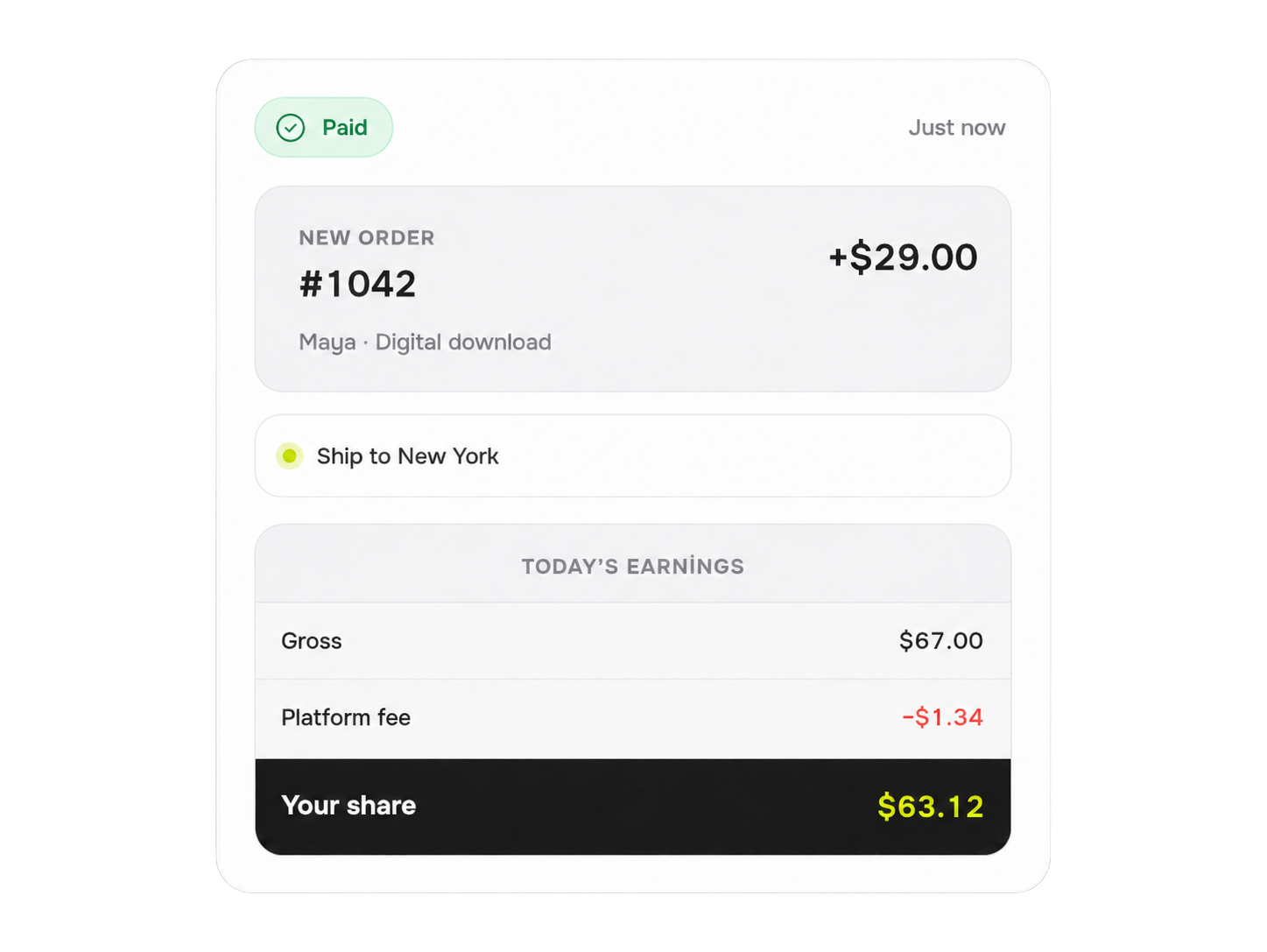
Sell from your link in bio, add products, buyers checkout without leaving your brand, you manage orders in one dashboard. 2% platform fee on Pro, 0% on Business.
Start selling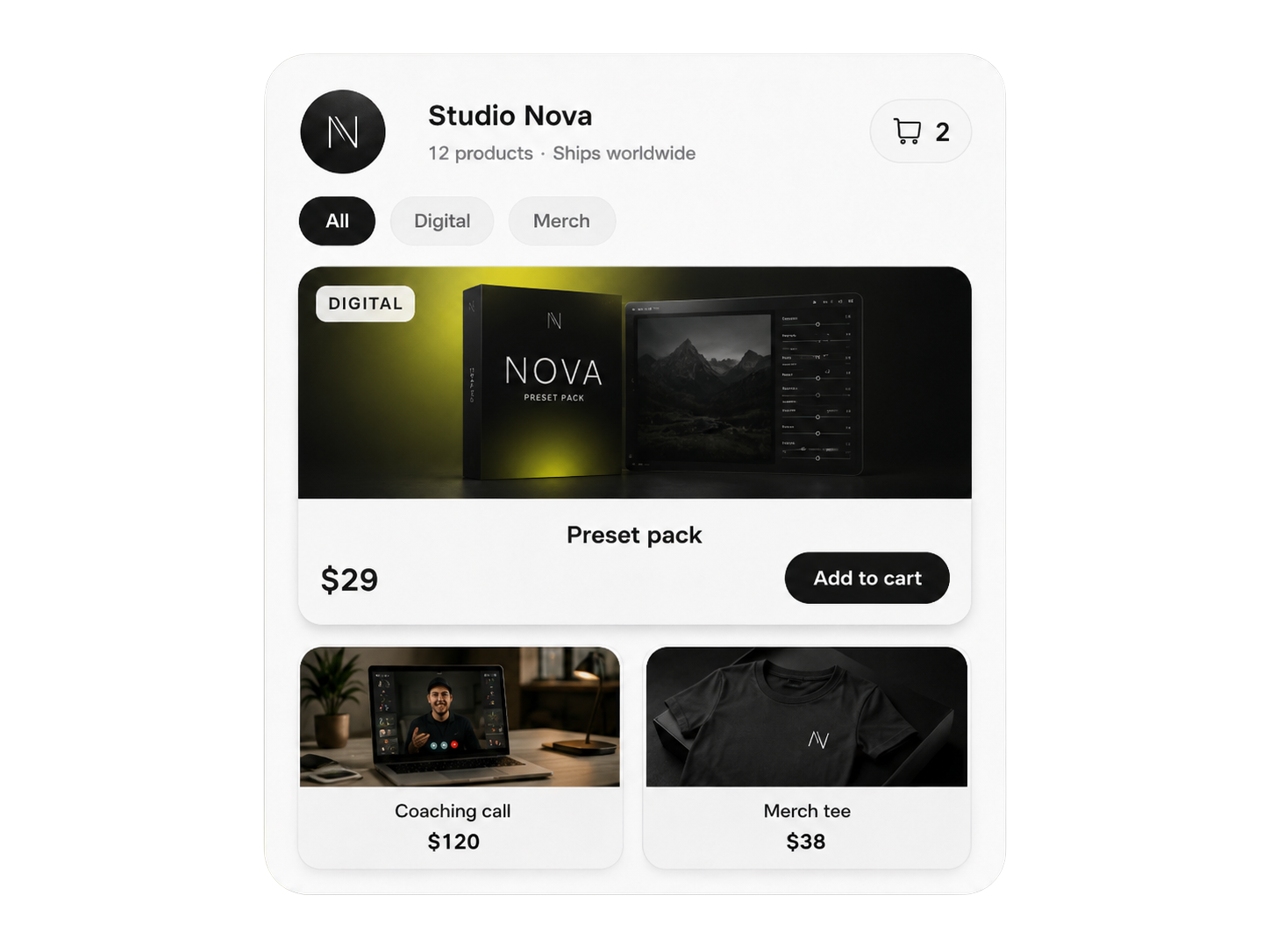
Everything to sell from your link in bio
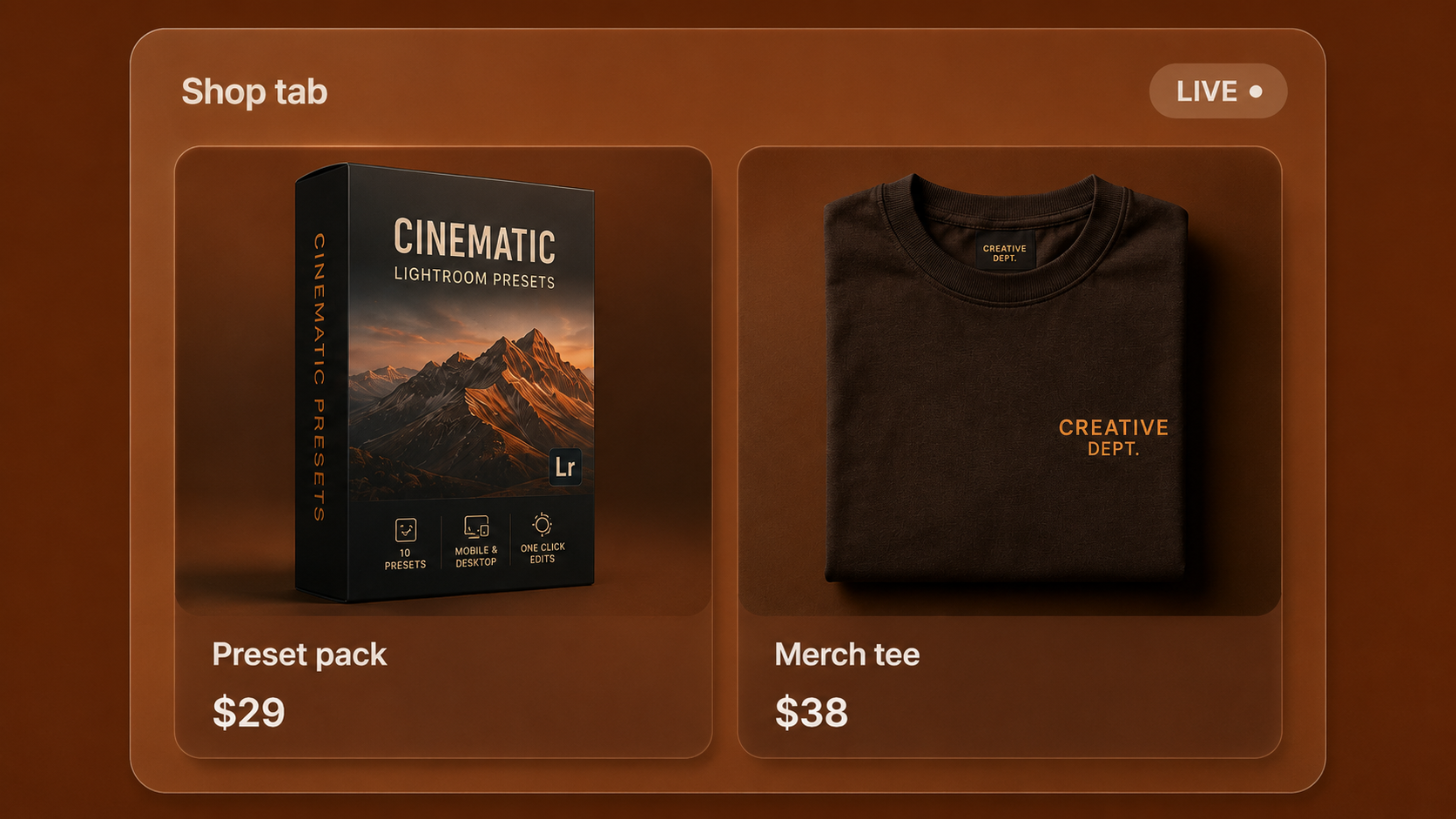
Digital & physical
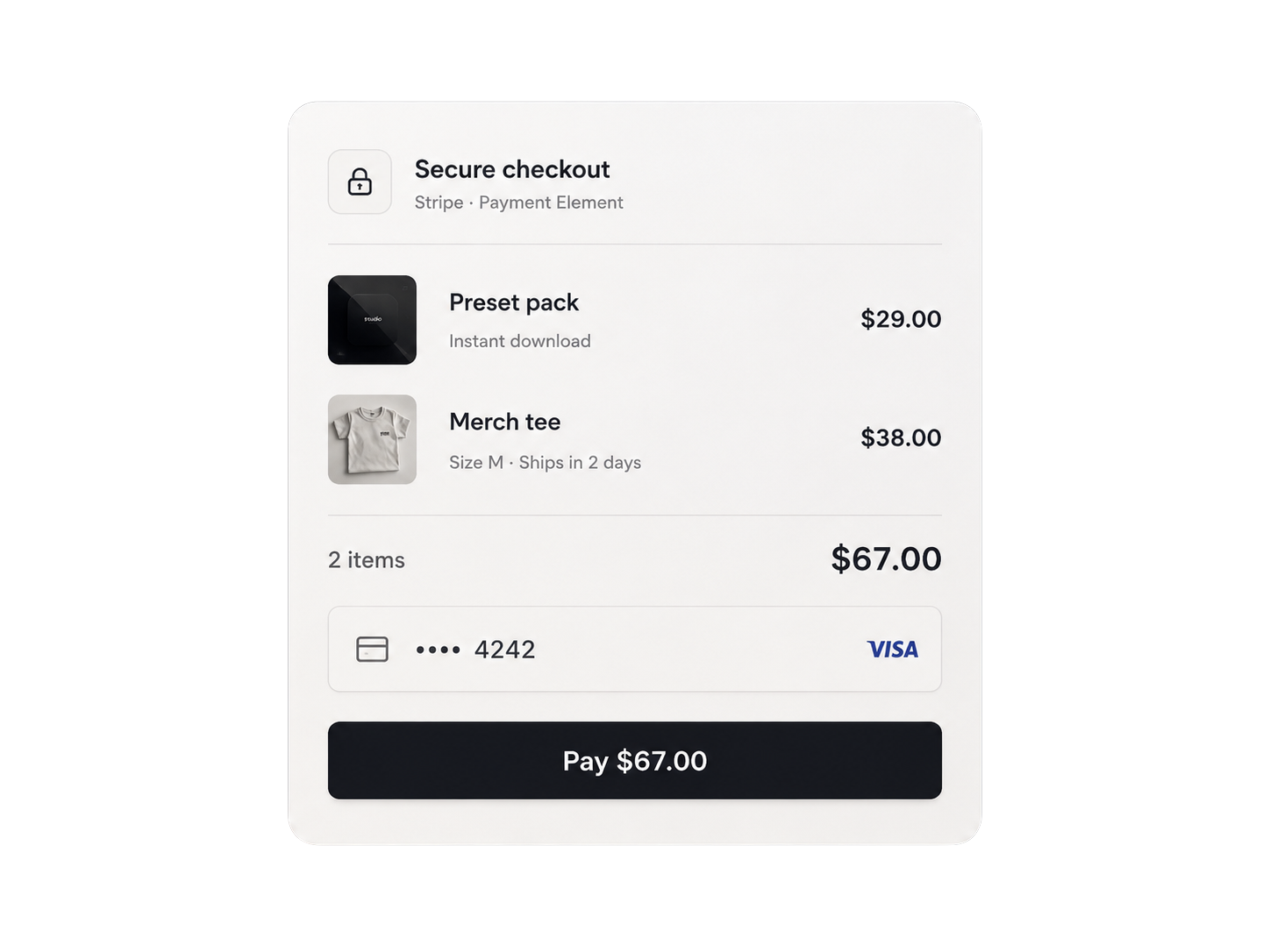
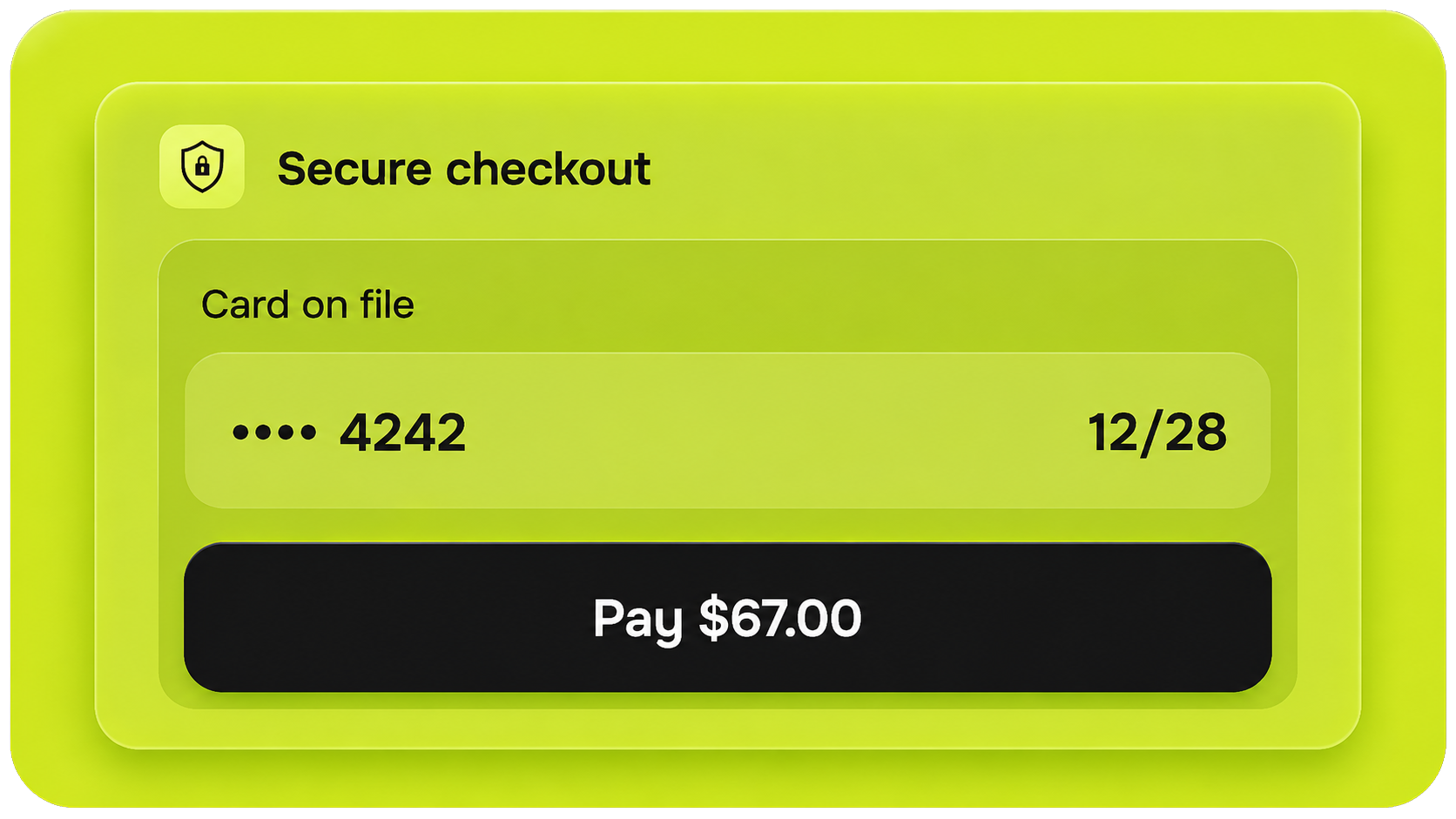
Secure checkout
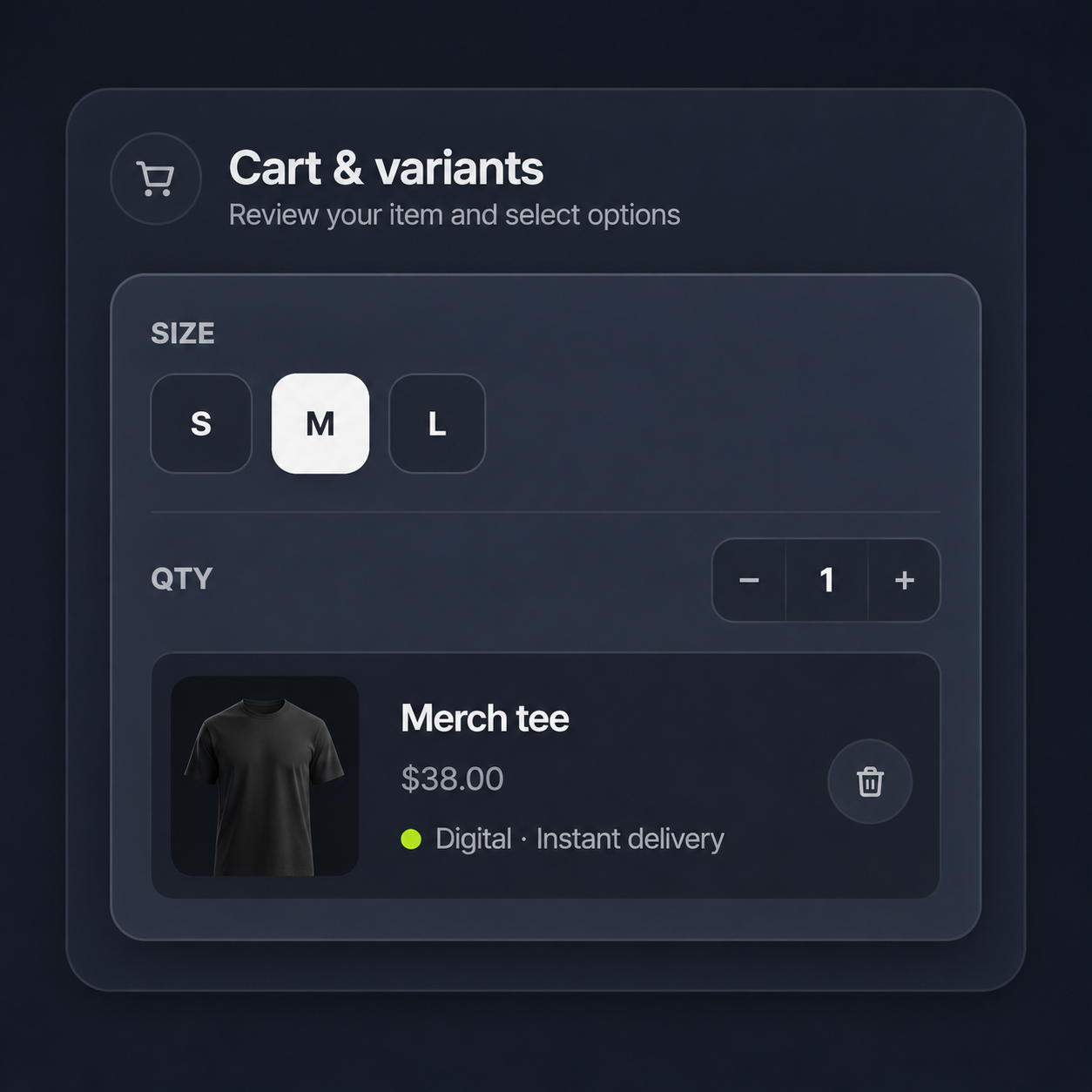
Cart & variants
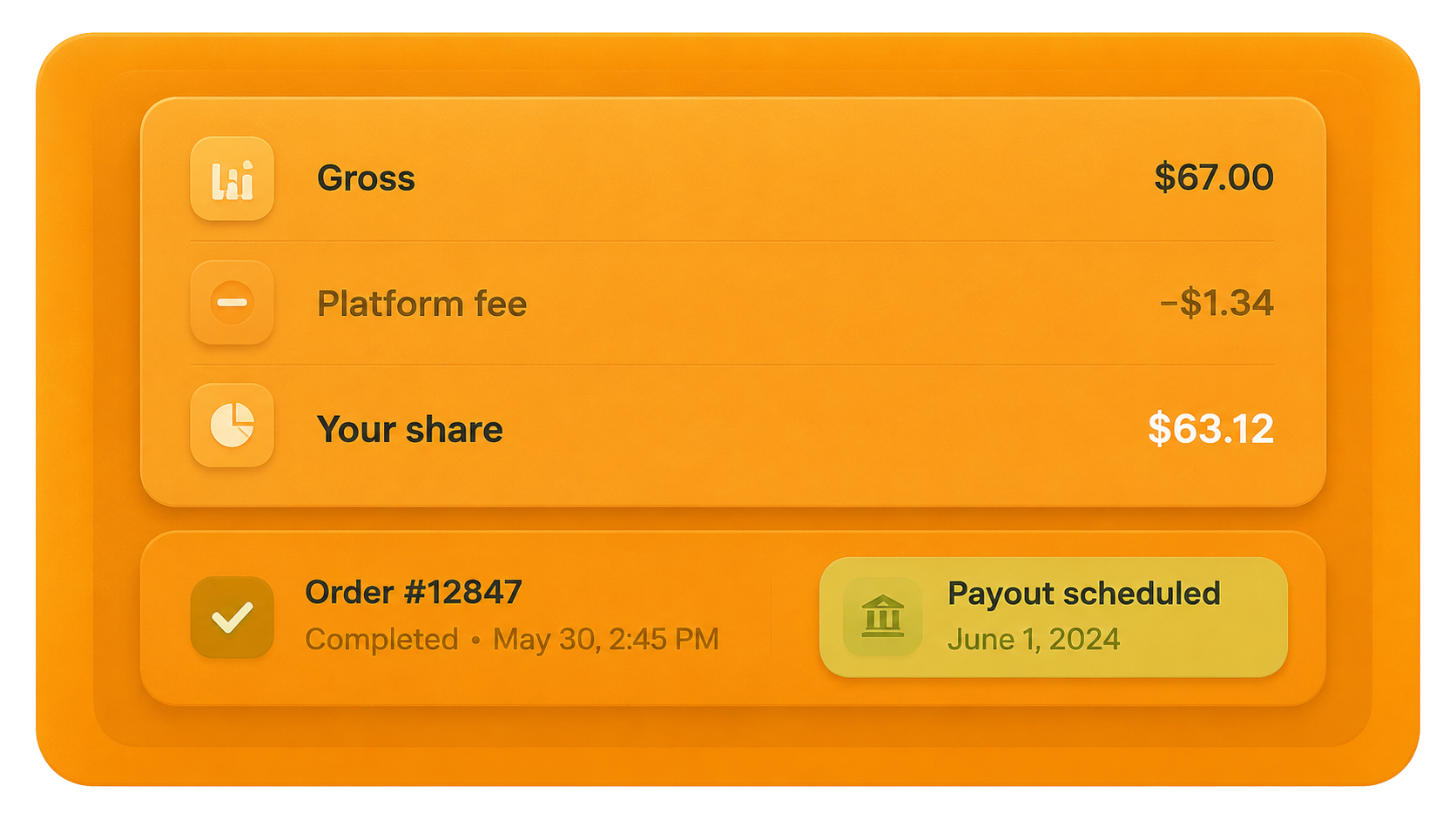
Order dashboard
Selling in three steps
Connect payments
Complete payment setup once in Earnings → Payments (Stripe Connect). One account powers shop, tips, and bookings.
Add your products
Upload digital files or list physical goods with variants, shipping, and categories in the builder.
Share & fulfill
Buyers pay on your page. Digital orders deliver instantly; physical orders appear in your orders dashboard.
Next-Day Payouts for Eligible Sellers
Availability depends on account verification, sales history, product type and risk review.
- Verified sellers unlock next-day bank payouts
- New sellers start on a 7-day schedule while building trust
- High-risk orders may be held for review before payout
Choose what the page needs to sell
A useful bio-link store keeps the catalog focused and gives each product enough context to earn the next tap. Start with the format you can fulfill reliably, then make the offer, price and delivery expectation clear before a buyer reaches checkout.
Digital downloads
Sell guides, presets, templates, audio or other files you have the right to distribute. State the format, what is included and how access works so buyers know exactly what arrives after payment.
Physical products
List goods that need packing and delivery with accurate photos, prices and shipping information. Confirm the destination, delivery estimate and return terms that apply to your business before promoting the page.
Products with variants
Use variants when the same product has sizes, colors or another buyer choice. Test every available combination and keep unavailable options out of the purchase path so checkout does not begin with the wrong expectation.
A focused collection
Lead with the product connected to the post, video or campaign that sent the visitor. Supporting products can follow, but the first screen should not make a buyer search through an unprioritized catalog.
Build the path from social post to fulfilled order
Publishing a product is only the first part of the flow. Review the full journey on a real phone, from the promise in the social post to checkout, confirmation, delivery and support.
Make the product detail complete
Use a specific title, useful images and a description that covers what the buyer receives, important limitations and the expected delivery method. Avoid claims that cannot be verified.
Connect and test checkout
Finish the required payment setup, verify the price and complete a real test order before launch. Check the current pricing page for platform fees and remember that payment-processor fees can apply separately.
Match fulfillment to the product
Confirm that a digital order grants the intended access and that a physical order reaches the dashboard with the correct variant and shipping details. Fix the workflow before sending campaign traffic.
Prepare post-purchase support
Review confirmation messages, order status, contact details and the policies relevant to the sale. Buyers should know where to ask for help and what happens after the payment succeeds.
Selling from a bio link, answered
Understand what the storefront supports, what you must configure and which details can vary by plan, account or product type.
Yes. A Linker.page can combine your public links and product catalog so visitors can discover an offer and continue to checkout from the same branded page instead of being sent to a separate link list.
You can start with a free page and add products before upgrading. Platform fees, limits and advanced features depend on the current plan, while payment-processor fees can apply separately. Confirm the pricing page before choosing a plan.
You can list downloadable products that you own or have permission to distribute and that comply with the platform rules. Describe the file or access clearly, upload the correct delivery asset and complete a test purchase before launch.
Yes. Physical listings can include buyer choices such as variants and the shipping details needed for fulfillment. Configure only the regions and options you can support, then verify that the order arrives with the correct information.
A completed digital order can provide the configured download access, while a physical order appears in the order workflow for packing and shipment. The seller remains responsible for accurate files, product details, shipping and customer support.
Payout timing depends on payment-account verification, sales history, product and risk review. Eligible sellers may receive a faster schedule, while new or reviewed accounts can wait longer. Treat the dashboard and current payout terms as the source of truth.
Turn your bio link into a storefront.
Free to start. Add products after signup, connect payments when you are ready to accept orders.
Create your store